> For the complete documentation index, see [llms.txt](https://docs-admin.nzim.vn/llms.txt). Markdown versions of documentation pages are available by appending `.md` to page URLs; this page is available as [Markdown](https://docs-admin.nzim.vn/huong-dan-su-dung-cam-ket-lieu-trinh.md).
# Hướng dẫn sử dụng cam kết liệu trình
Hướng dẫn sử dụng cam kết liệu trình
Quy trình thực hiện:
1\) Nhân viên (Thu ngân, Sale Booking) tạo liệu trình
2\) Khách hàng có thể mở app lên và nhấn vào button "Đã đọc cam kết" hoặc thu ngân sẽ nhấn button đã khách đã đọc cam kết.
3\) Thu ngân sẽ tiến hành chọn phương thức thanh toán
## Phần dành cho admin
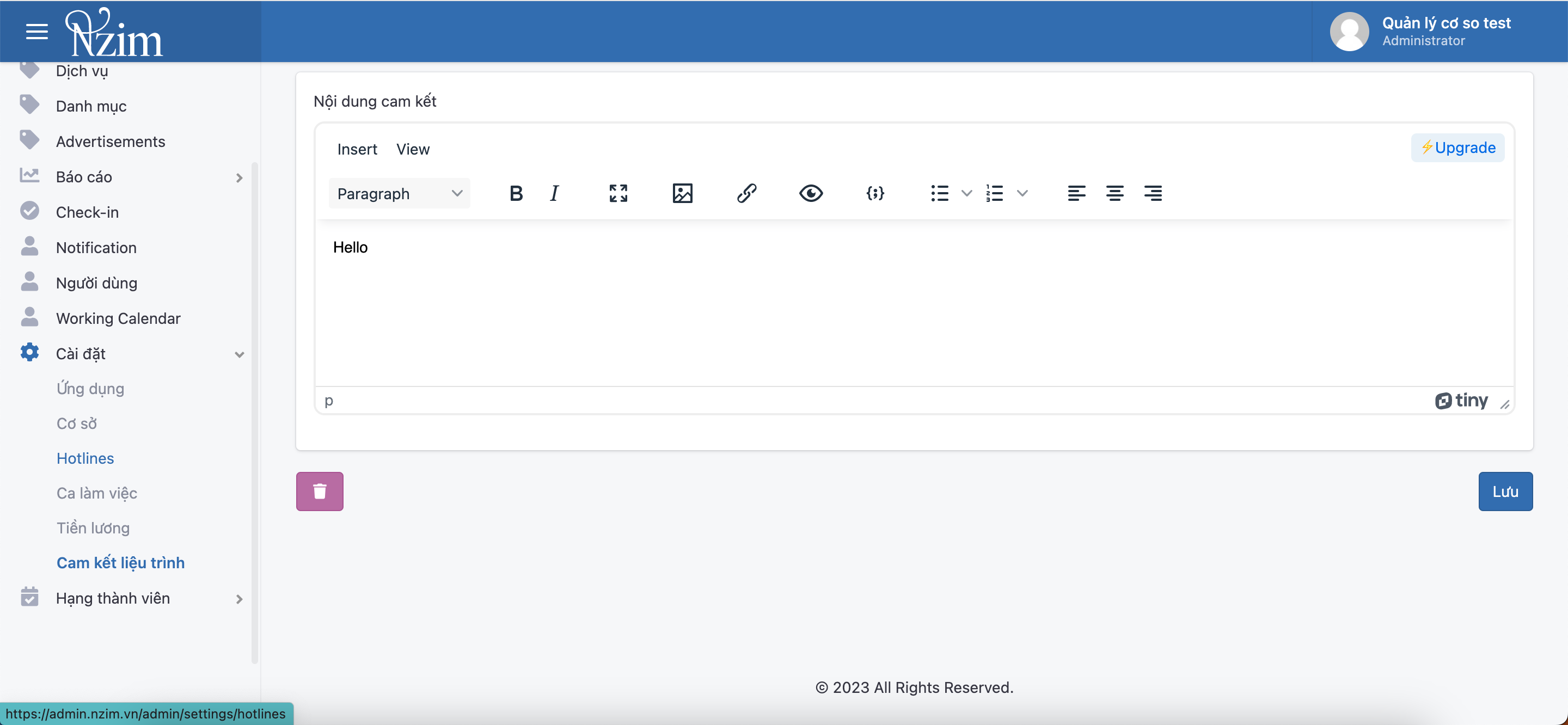
Nhập nội dung cam kết.
Anh/chị vào phần cài đặt chọn Cài đặt -> Cam kết liêu trình và tiến hành nhập liệu.
Sau khi nhập xong.
## Phần dành cho thu ngân
Tạo liệu trình như cũ.
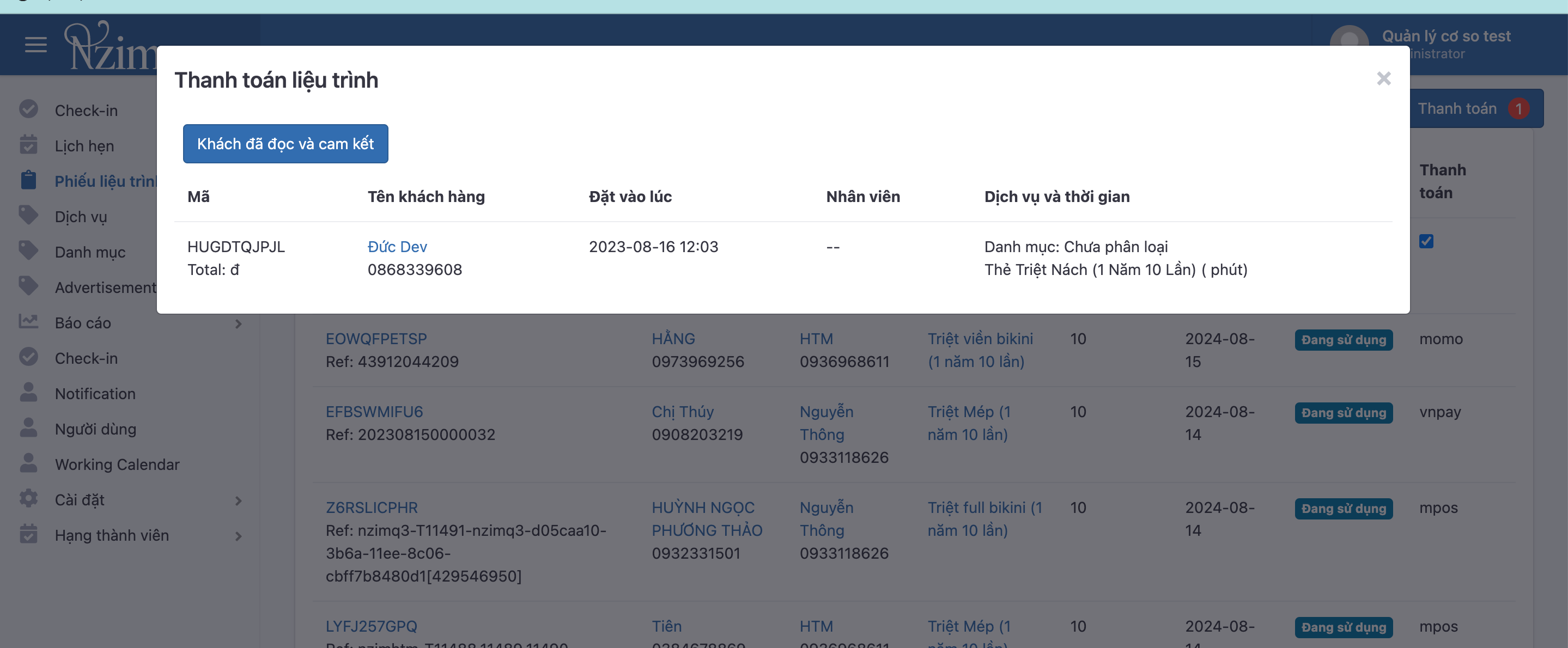
Chọn liệu trình cần thanh toán.
Trường hợp khách hàng chưa ký sẽ hiển thị nút "Khách đã ký cam kết".
Sau khi nhấn nút này thì các button thanh toán sẽ hiện ra.